Home > Training > Reviewer > Evaluate Stock Payments
Evaluate Stock Payments
This article will walk you through the process of evaluating Stock in UC OATS.
Faculty may receive stock or stock options as compensation for outside professional activities such as consulting, advisory roles, or participation in startup companies. When stock is provided as compensation, it must be disclosed and evaluated to determine whether it counts toward the faculty member’s outside earnings threshold.
Under UC policy (APM-671), stock or stock options received as compensation must be reported within 30 days of receipt or agreement execution.
When reviewing a stock payment activity, your role is to confirm that the information provided by the faculty member accurately reflects the value of the compensation and includes appropriate documentation. Learn more about faculty reporting Stock/Stock Options.
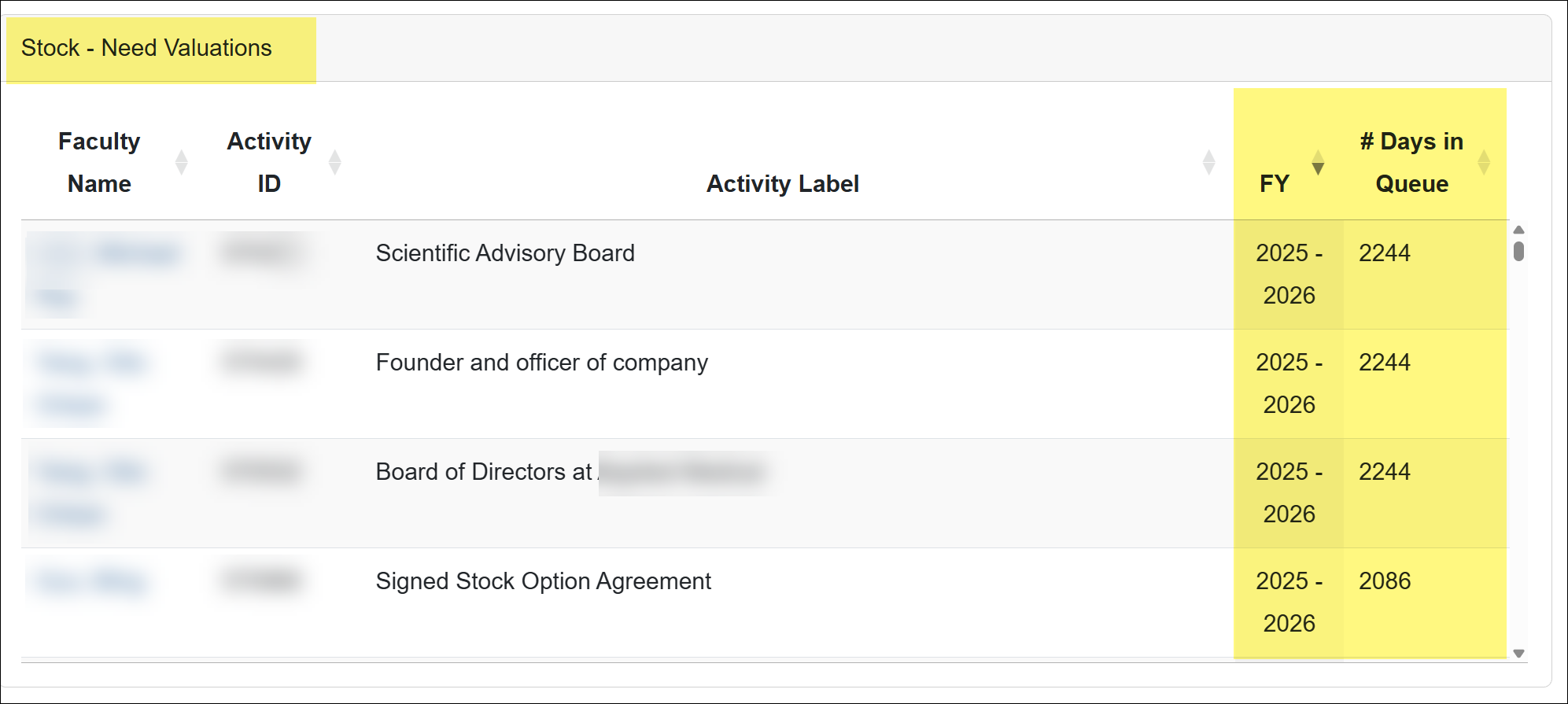
Stock - Needs Valuation Dashboard
This dashboard provides visibility into all stock payments that are awaiting evaluation. The queue includes stock entries from all fiscal years, allowing Stock Evaluators to easily identify pending valuations.
Faculty Stock Types
Faculty may report stock using one of the following activity types:
Stock Type Details
Stock as Compensation
Stock provided in exchange for professional services, such as consulting or advisory work.
If the stock is provided at a price below the market value, the difference between the market value and the price paid is considered compensation and counts toward the faculty member’s earnings threshold.
Documentation Typically Required:
- Consulting agreement
- Equity grant or share agreement
- Company valuation or share value
Stock Purchase Agreement
This option is used when stock is purchased through an agreement with a company.
If the stock was purchased at fair market value as a personal investment, it is generally not considered compensation and may not count toward the faculty member’s earnings threshold.
However, if the stock was provided in exchange for services or at a discounted price, it may represent compensation and should be evaluated accordingly.
Documentation Typically Required:
- Stock purchase agreement
- Subscription agreement
- Investment documentation
Stock Options
Stock options provide the faculty member the right to purchase shares at a predetermined price.
Exercise Price: The price the faculty member must pay per share when exercising the option. Reviewers should compare the Exercise price to the market value of the stock at the time the option was granted to determine the value of the compensation.
Documentation Typically Required:
- Stock option agreement
- Strike price documentation
- Company valuation information
Notifications
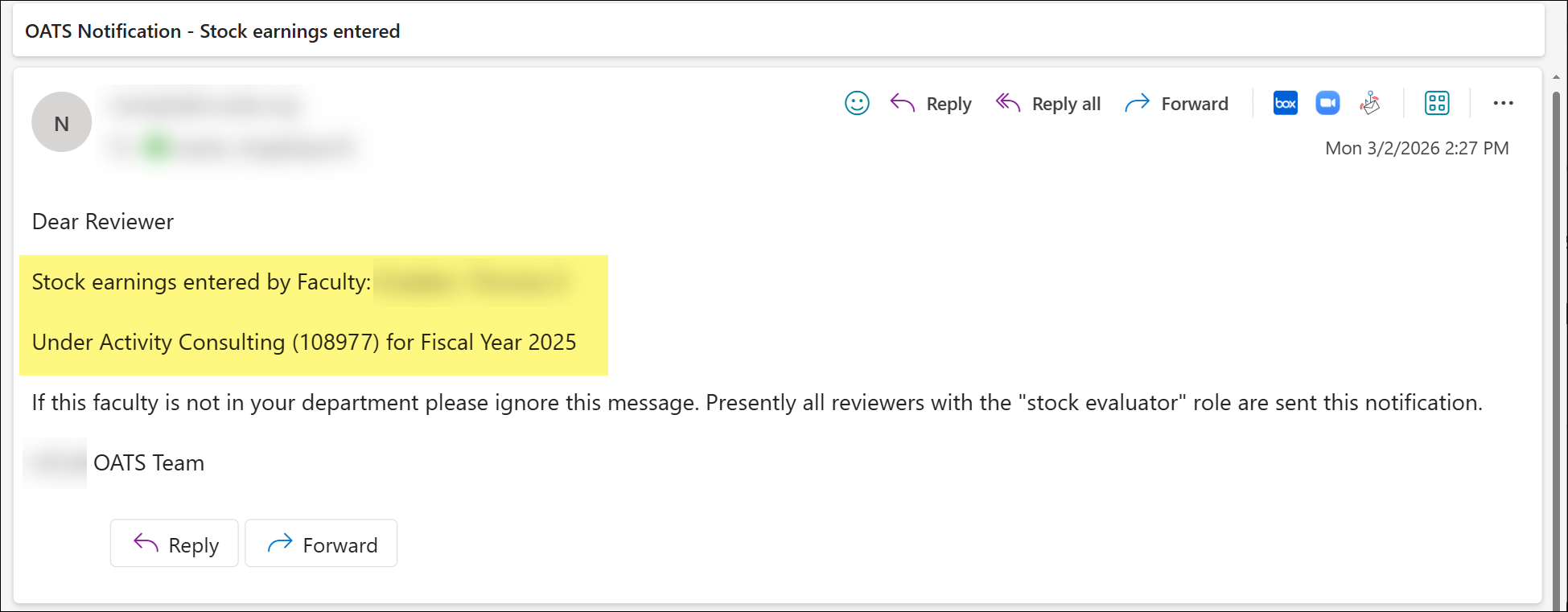
Stock Evaluators will receive an email notification when a faculty member submits stock as compensation.
Evaluating Stock/Stock Options
The following will walk you through the process of evaluating stocks in UC OATS.
To evaluate stock:
- Select the Activities tab.

- Choose the fiscal year. Stock entries are organized by fiscal year, so you may need to check multiple years to view all submissions.
- Select the Stock Valuation button.
- Use the filters to locate a specific stock or to view all stocks that need evaluation.
- Locate the activity you want to evaluate, then select Show Details.
- Select the Price Share button to view the stock valuation details. Review the activity notes to see any stock documentation provided by the faculty member.
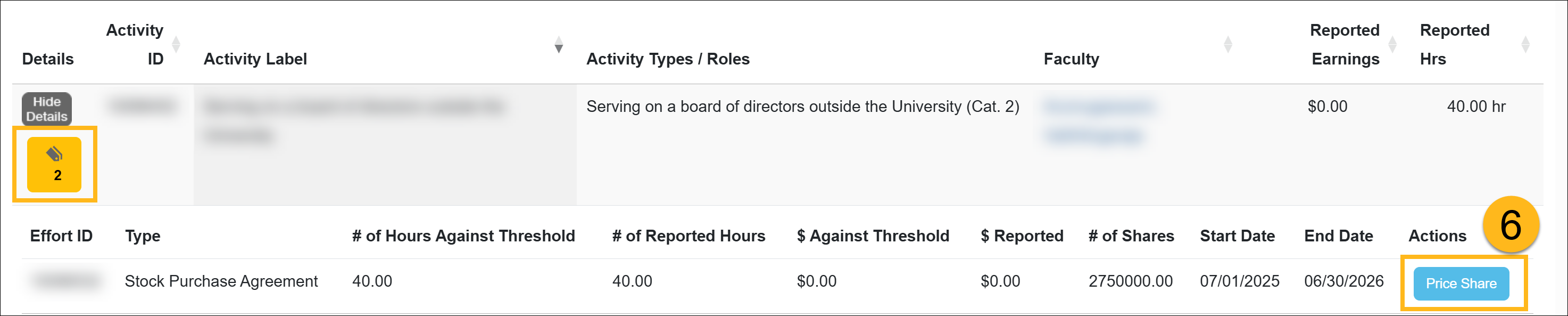
- Complete the valuation.
Stock as Compensation

Stock Purchase Agreement

Stock Options

- The system will automatically calculate the $ Against Threshold. Click the Update button to save changes.

Faculty Workspace view
This is how the evaluated stock appears in the faculty workspace.

Related Articles
All Reviewers
Outside activity category types
Adding Notes and attachments
Category I Activities that trigger COI emails
Faculty's Threshold Exceeded
Report Faculty Payments
Evaluate Stock Payments
Back Enter Activities for Faculty
Vacate Prior Approval Forms
Cancel Exceed Threshold Form while TH is Exceeded
Last Modified:2026-03-10 10:11:46.187917-07