Home > Training > Faculty > View Annual Certification Details
View Annual Certification Details
This article explains how to view your Annual Certification details after submission. The Annual Certification details include the Annual Certification report, a Notes tab specific to Annual Certification, and a Historical Actions tab.
To view your Annual Certification details:
- Select the My Annual Certifications tab.
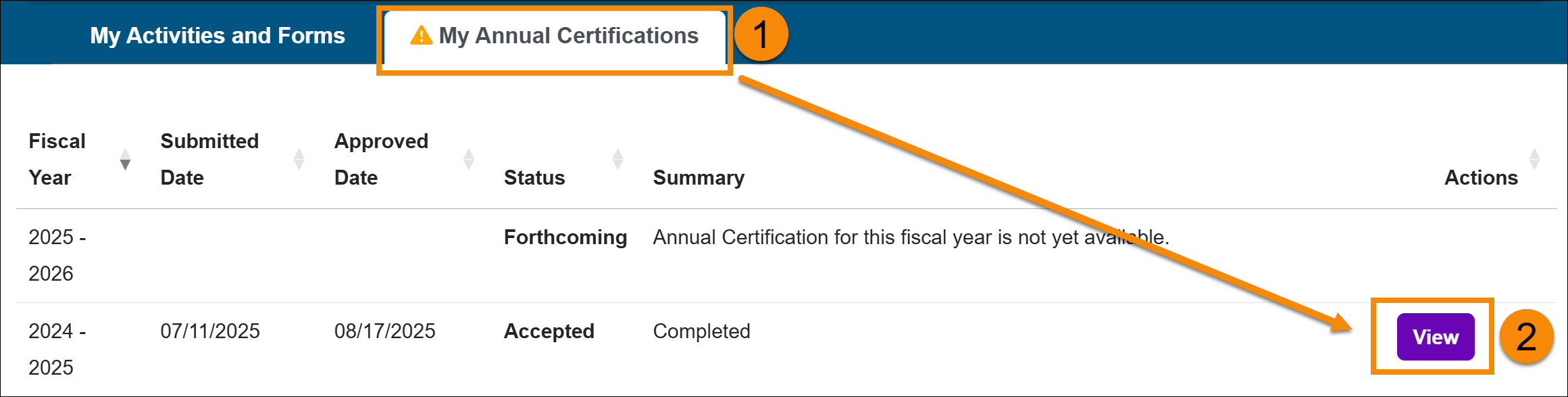
- Locate the Annual Certification and select the View button.
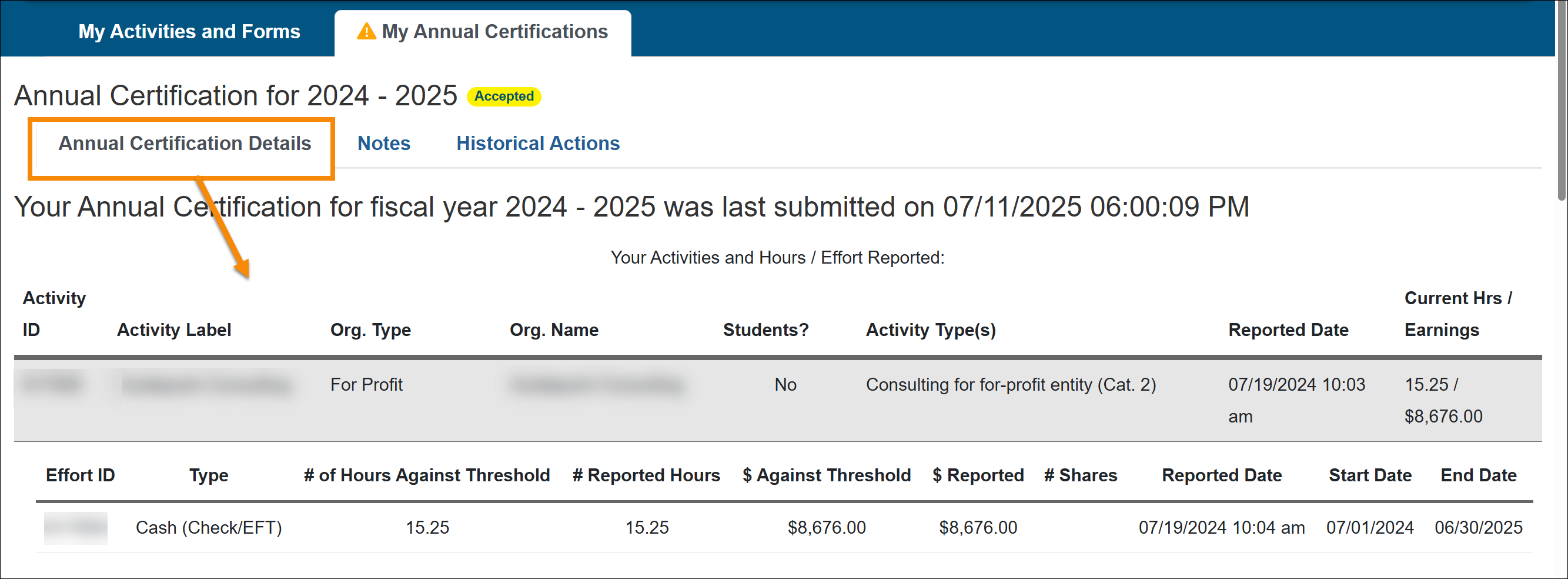
- The Annual Certifications details show the following:
- Annual Certification Details: Shows your annual certification details. This is where you can recall your Annual Certification if you need to make an update.
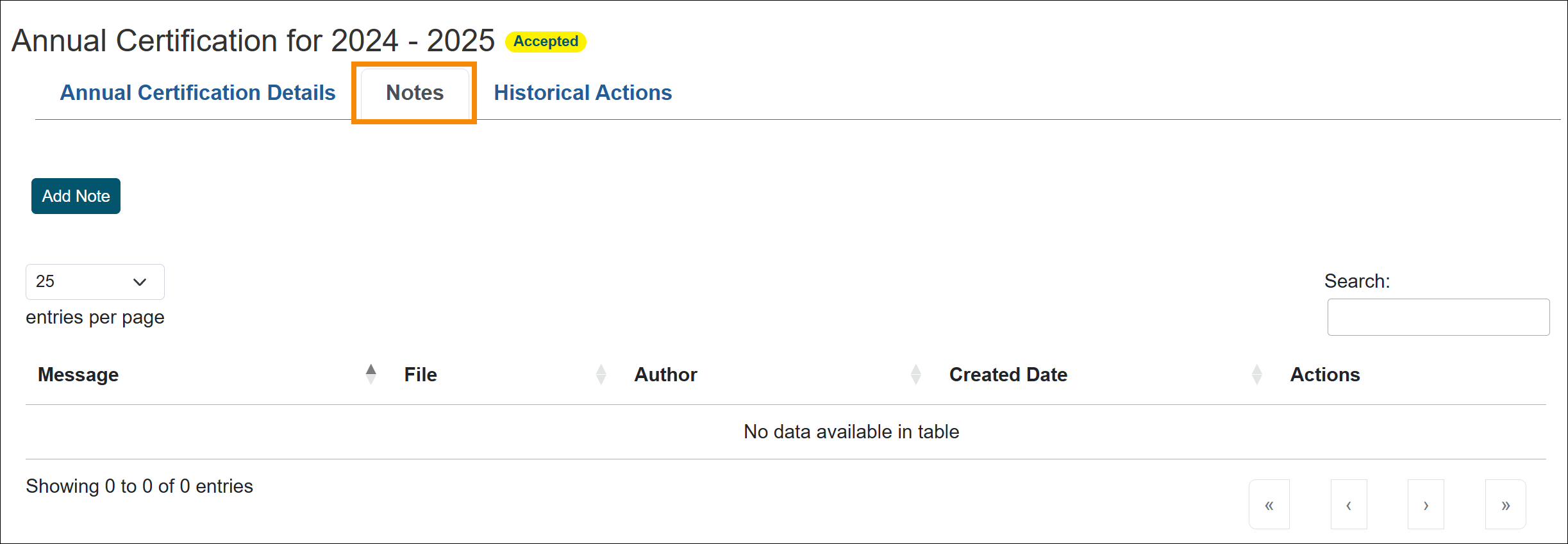
- Notes: The notes tab is specifically for Annual Certification.
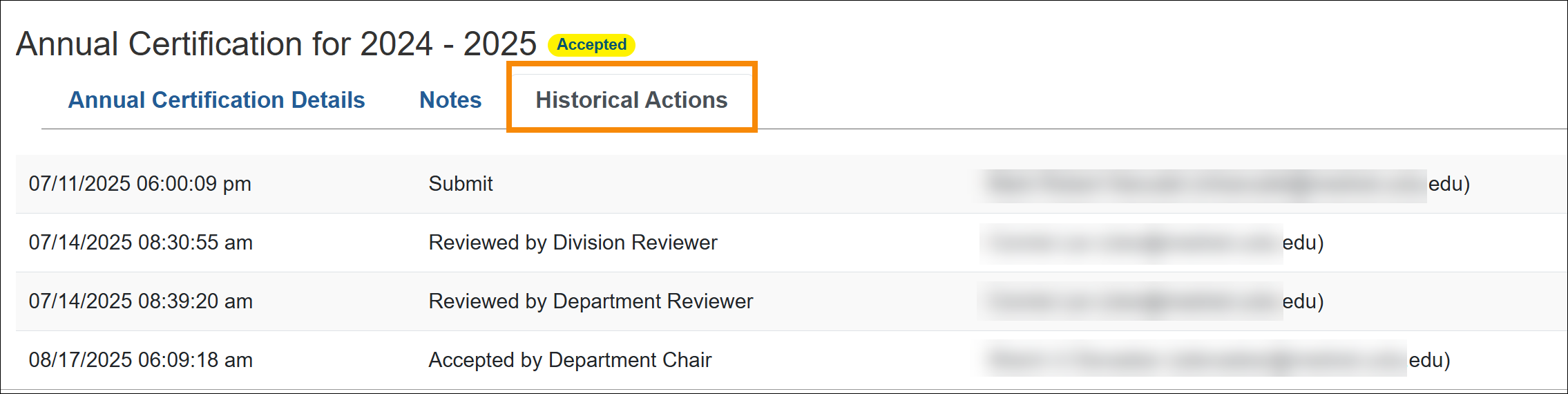
- Historical Actions: This shows the processing history of the Annual Certification.
Related Articles
All Faculty
Submit Annual Certification
Annual Certification - Action Required
View Annual Certification Details
Recall Annual Certification
Last Modified:2026-04-20 12:56:44.360913-07