Home > Training > Auditors > Log in to UC OATS
Log in to UC OATS
This guide will walk you through logging into UC OATS once your account has been created.
To log into UC OATS:
- Locate your campus UC OATS portal.
- Click Log in to OATS.
- Sign in using your campus login credentials.
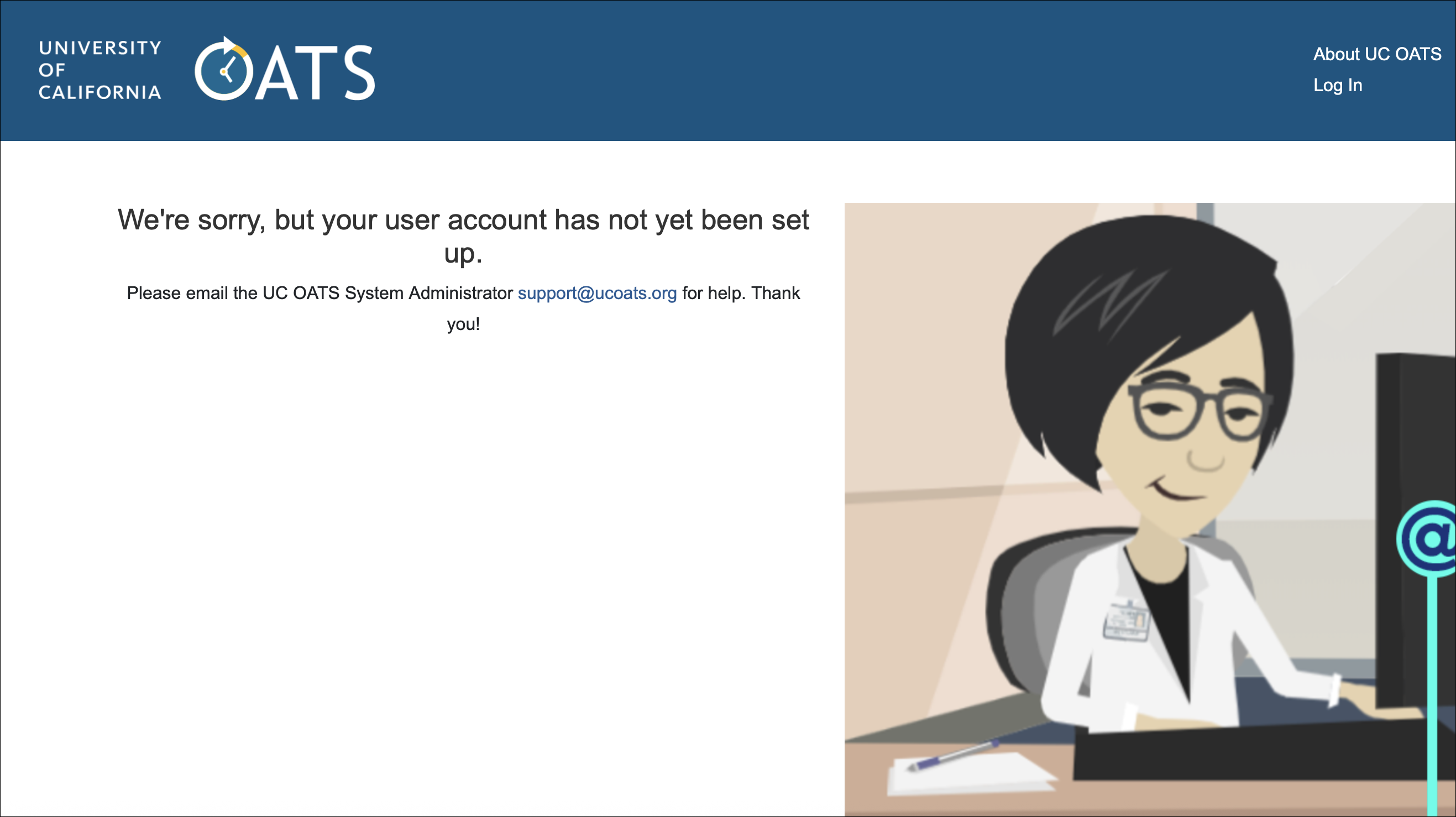
Note: If you see the page shown below after logging in, contact your campus UC OATS Administrator to complete your account setup.
Related Articles
Auditors
What is UC OATS?
Log in to UC OATS
Auditor's Role Overview
Workspace Overview
Outside Activity Types & Help Text
Last Modified:2026-04-08 15:18:57.029794-07