Home > Training > Faculty > Add Activity Notes
Add Activity Notes
This article provides a brief overview of activity notes. The activity notes field is a way for faculty, reviewers, and approvers to communicate about an activity and prior approval forms. The activity notes are available in your workspace, and all prior approval forms. You will receive an email notification anytime a new note is added to a prior approval form and when notes are added to your workspace if the "Email Notification to faculty" is selected.
To add an activity note:
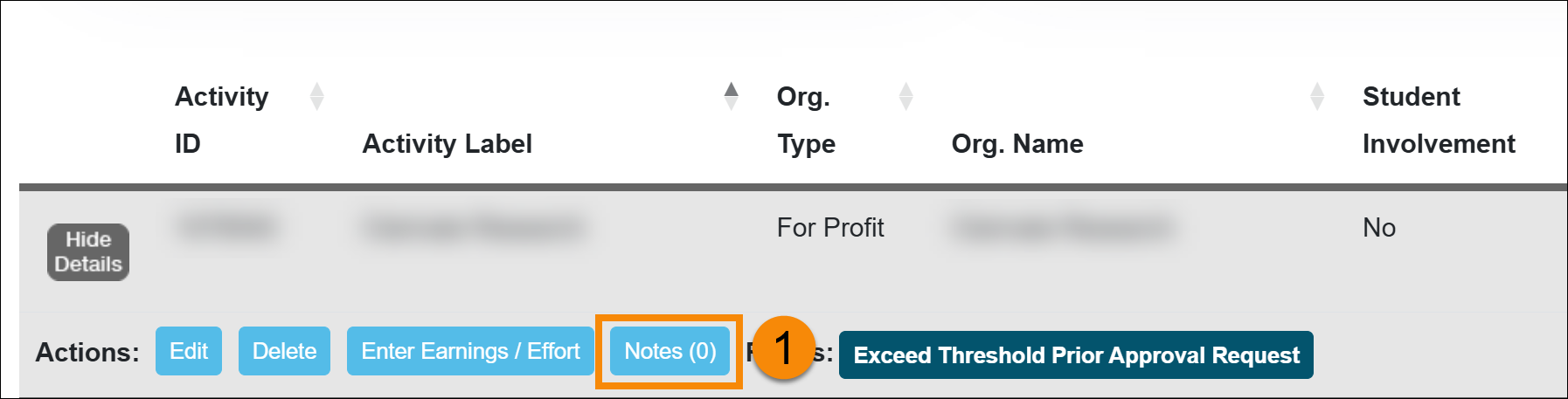
- Locate the activity and select the Notes button.
- Select the Add Activity Note button.
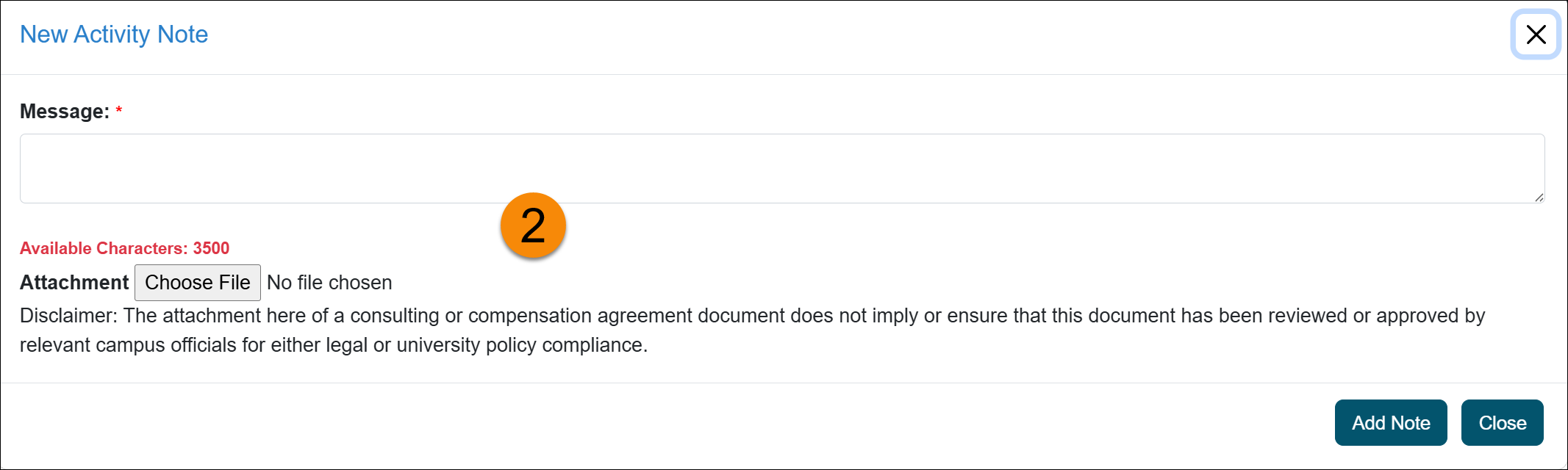
- Enter your message and add attachments, as necessary. Then select Add Note.
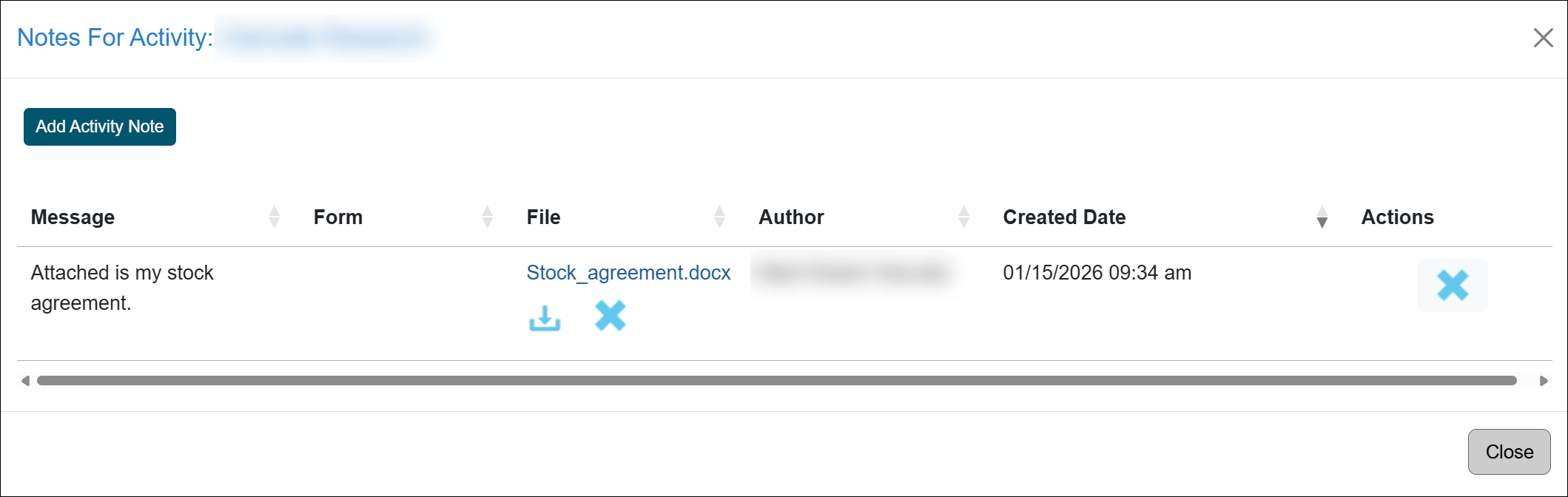
- The note is added to your activity. Reviewers and approvers are not notified when a note is added; however, they can view the note when they log in to UC OATS and access your account.
Related Articles
All Faculty
Report Effort and Earnings
Report Stock/Stock Options
Modify or Delete Earnings/Effort
Add Activity Notes
Last Modified:2026-01-15 09:08:03.017346-08